How to Create Birthday Invitations in 2–3 Minutes with Rizz Invites
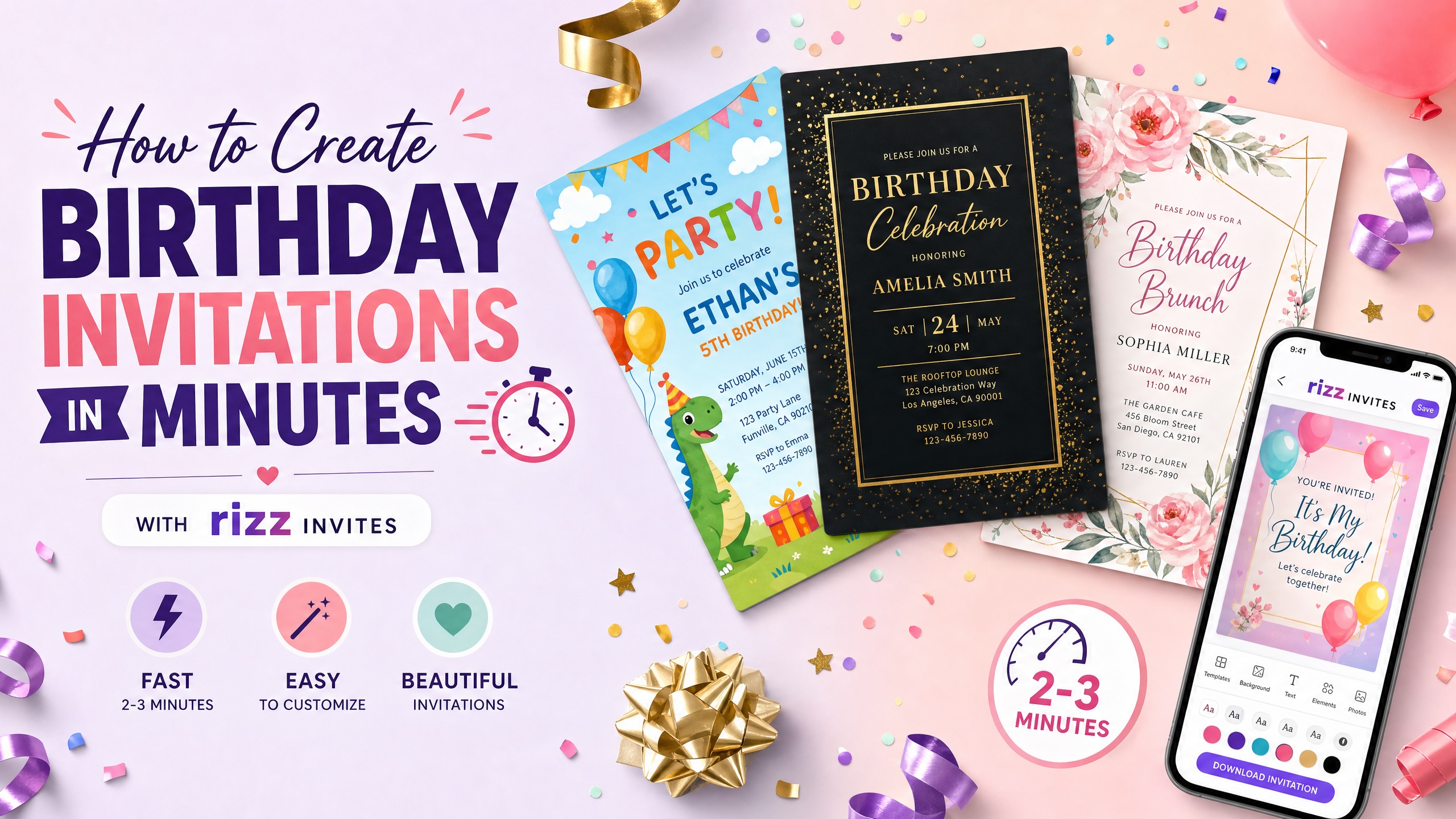
Creating a birthday invitation used to mean choosing between two frustrating options. You could settle for a generic template that looked like hundreds of other invitations, or you could spend far too long fighting with a complicated online editor.
That meant moving text boxes, resizing graphics, searching through fonts, adjusting colors, correcting alignment, and trying to make everything look right on a phone screen. One accidental tap could move an entire section of the design. What should have taken a few minutes could easily become an hour-long project.
In 2026, there is a much easier way.
The Rizz Invites Invitation Maker lets you create a personalized birthday invitation with artificial intelligence in approximately two to three minutes. You describe the type of birthday party you are planning, enter the event information you want included, and let Rizz Invites generate a polished invitation for you.
There is no clunky design software to learn. There are no complicated layers, editing panels, or tiny alignment controls. You do not need to be a graphic designer, write a perfect AI prompt, or begin with an existing template.
You simply tell Rizz Invites what you want.
A Birthday Invitation Maker That Creates the Invitation
Many traditional invitation platforms call themselves “invitation makers,” but they still expect the user to do most of the making.
They give you a template and a collection of tools. You are then responsible for replacing the sample text, choosing the fonts, arranging the information, finding suitable graphics, changing the background, and making sure the final design still looks balanced.
Rizz Invites takes a different approach.
Instead of giving you an empty canvas and asking you to become a designer, it generates the invitation itself. The Invitation Maker can create a high-resolution invitation image from the event style and party details you provide. You can include the birthday person’s name, venue, date, start time, and optional end time directly in the design—or create the artwork first and keep the logistical information on the digital event page.
The result is not merely a blank birthday template with a few words swapped out. It is a bespoke invitation designed around the theme, mood, age, and style of your particular celebration.
How to Create a Birthday Invitation with Rizz Invites
The entire process can be completed in just a few steps.
Step 1: Decide on the Birthday Party Style
Start by thinking about the overall feeling of the birthday celebration.
You do not need to know the exact colors, font styles, illustration techniques, or design terminology. A simple description of the party is enough.
For example:
- A colorful dinosaur birthday party for a five-year-old
- An elegant black-and-gold 40th birthday dinner
- A retro disco-themed 30th birthday celebration
- A watercolor garden party for a first birthday
- A funny “Over the Hill” 50th birthday party
- A neon roller-skating birthday for a ten-year-old
- A sophisticated rooftop cocktail party
- A pink princess birthday with castles and stars
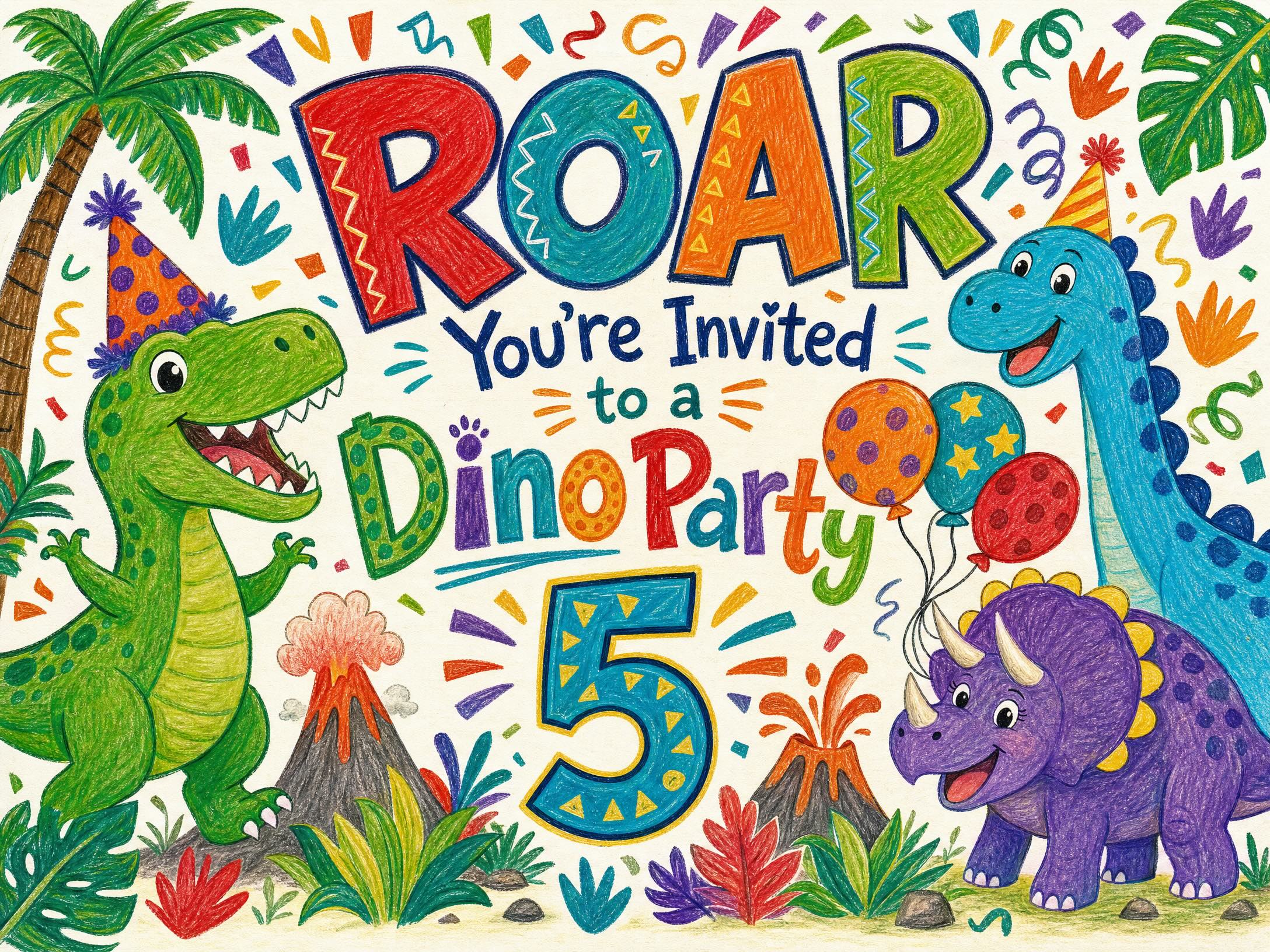
Think about the person being celebrated and the atmosphere you want guests to expect. Is the party playful, glamorous, funny, relaxed, adventurous, nostalgic, or formal?
That basic idea becomes the creative direction for the invitation.
Step 2: Open the Rizz Invites Invitation Maker
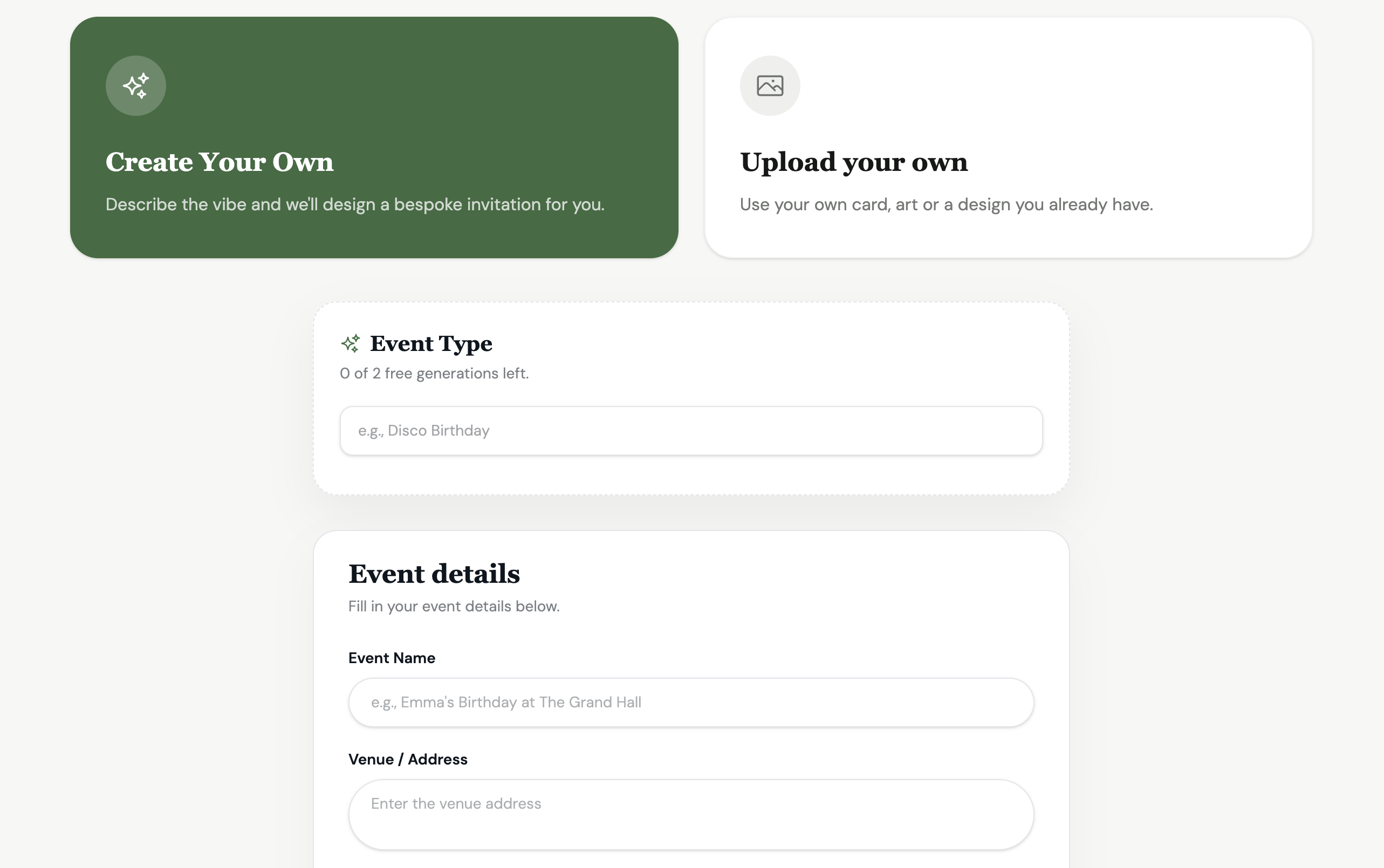
Go to the Rizz Invites custom invitation creator and choose the option to create your own invitation.
The page gives you two ways to begin. You can generate a new design with AI, or upload invitation you already have. For an original AI-generated birthday invitation, select the creation option and describe your event style.
You might enter something as simple as:
Space birthday for an eight-year-old
Or provide a little more detail:
A colorful outer-space birthday invitation for an eight-year-old boy.
 [use this invitation](https://rizzinvites.com/card/blast-off-to-8th-birthday)
Both approaches work. A short description gives the AI more creative freedom. A detailed description gives you more control over the direction.
Step 3: Add the Birthday Party Details
Next, enter the information guests need to know.
This can include:
Event name: Sophia’s 7th Birthday Party
Venue or address: The Little Art Studio, 125 Main Street
Event date: Saturday, September 19
Start time: 2:00 p.m.
End time: 4:30 p.m.
The end time is optional, which is useful for birthday dinners, informal gatherings, and celebrations without a strict conclusion.
Rizz Invites can incorporate this information directly into the invitation artwork. That means the finished design can arrive with the birthday person’s name, date, time, and location already placed within the composition.
You are not left trying to squeeze a long venue name into a tiny text box or wondering whether the date should be centered. The system considers the event details while creating the design.
You can also generate an invitation using only the event style and keep the practical details outside the artwork. That can be helpful when you want a cleaner, more artistic card or when certain party arrangements may change.
Step 4: Generate the Invitation
Once the information is ready, select Generate with AI.
Rizz Invites then creates a high-resolution birthday invitation based on your description and event details. The generation itself generally takes one to two minutes, producing an invitation that is ready to send rather than handing you an unfinished template that still requires substantial editing. ([Rizz Invites][1])
This is where the experience differs dramatically from older invitation platforms.
You are not dragging a heading six pixels to the left. You are not searching through hundreds of nearly identical clip-art balloons. You are not trying to figure out why a font looks different on mobile than it did in the editor.
The design work happens for you.
Including the time needed to enter your idea and event details, most people can go from a birthday party concept to a finished invitation in approximately two to three minutes.
Step 5: Review and Use Your Invitation Right Away
When the invitation is generated, review the finished design and make sure the event information is correct.
The invitation is immediately usable. You do not need to export it into another design program, hire someone to clean it up, or wait for a designer to send revisions.
You can create the digital event, add the guest list, and begin sending the invitation. Rizz Invites supports delivery by SMS or email, digital RSVPs, and automatic reminders before the event. The platform is also designed without advertisements or required subscriptions.
That means the same place that creates the birthday invitation can also help you manage the actual invitation process.
The design is not the end of the workflow. It is the beginning of a ready-to-use event.
What Should You Write in the AI Description?
One of the most useful things about the Rizz Invites Invitation Maker is that you do not need to become an expert at “prompt engineering.”
Write the way you would describe the invitation to a human designer.
A strong description usually includes four things:
- The type of birthday
- The visual theme
- The overall mood
- Any important colors or imagery
For a child’s birthday, you could write:
A cheerful jungle birthday invitation for a six-year-old, with animals.
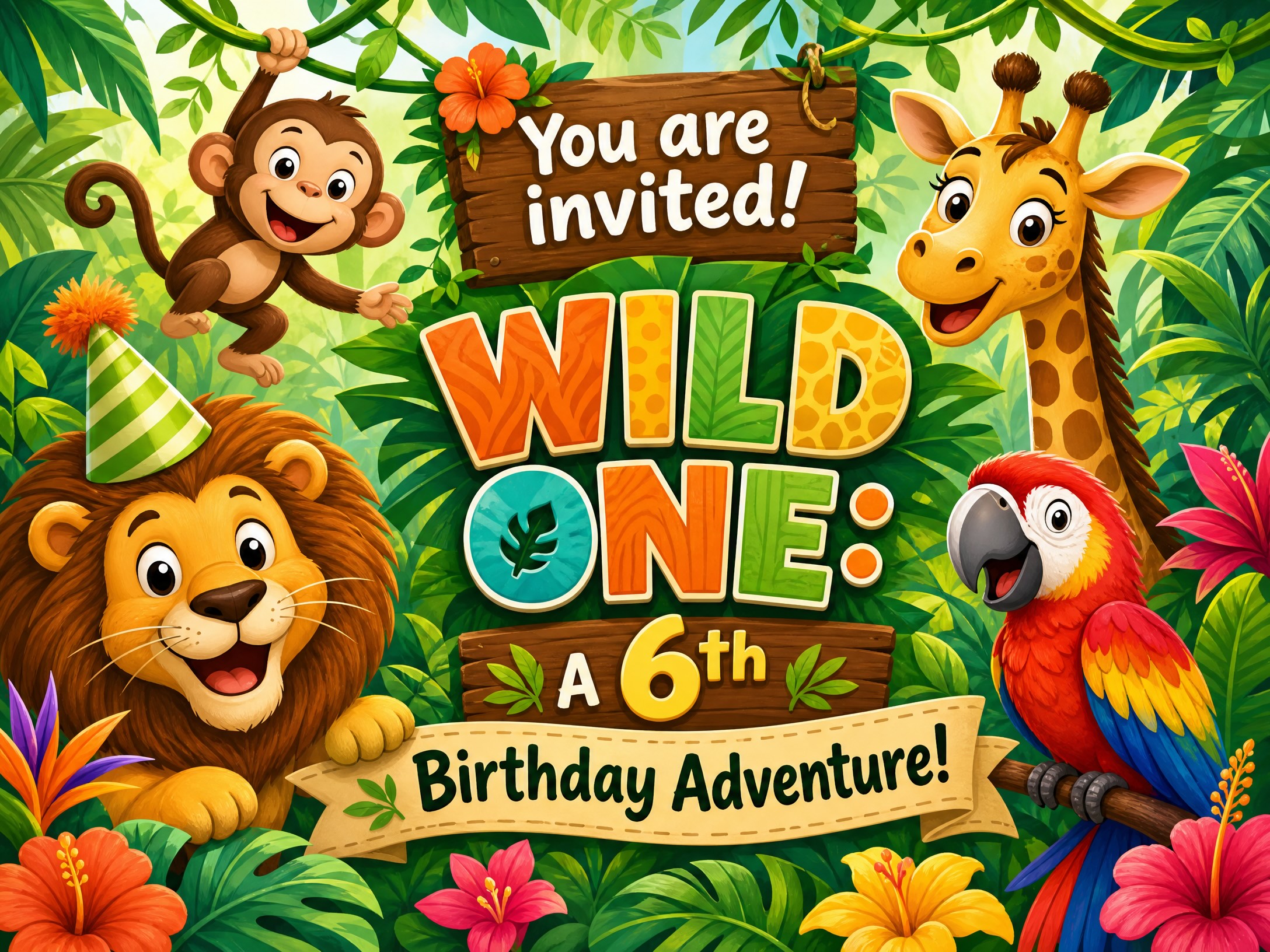
[use this invitation](https://rizzinvites.com/card/6th-adventure)
For an adult birthday, you might write:
An elegant 50th birthday dinner invitation with black & gold and champagne.

For something humorous:
A funny 40th birthday invitation inspired by a vintage warning sign, playful rather than insulting.
For something more artistic:
A dreamy watercolor first birthday invitation with soft blue clouds.
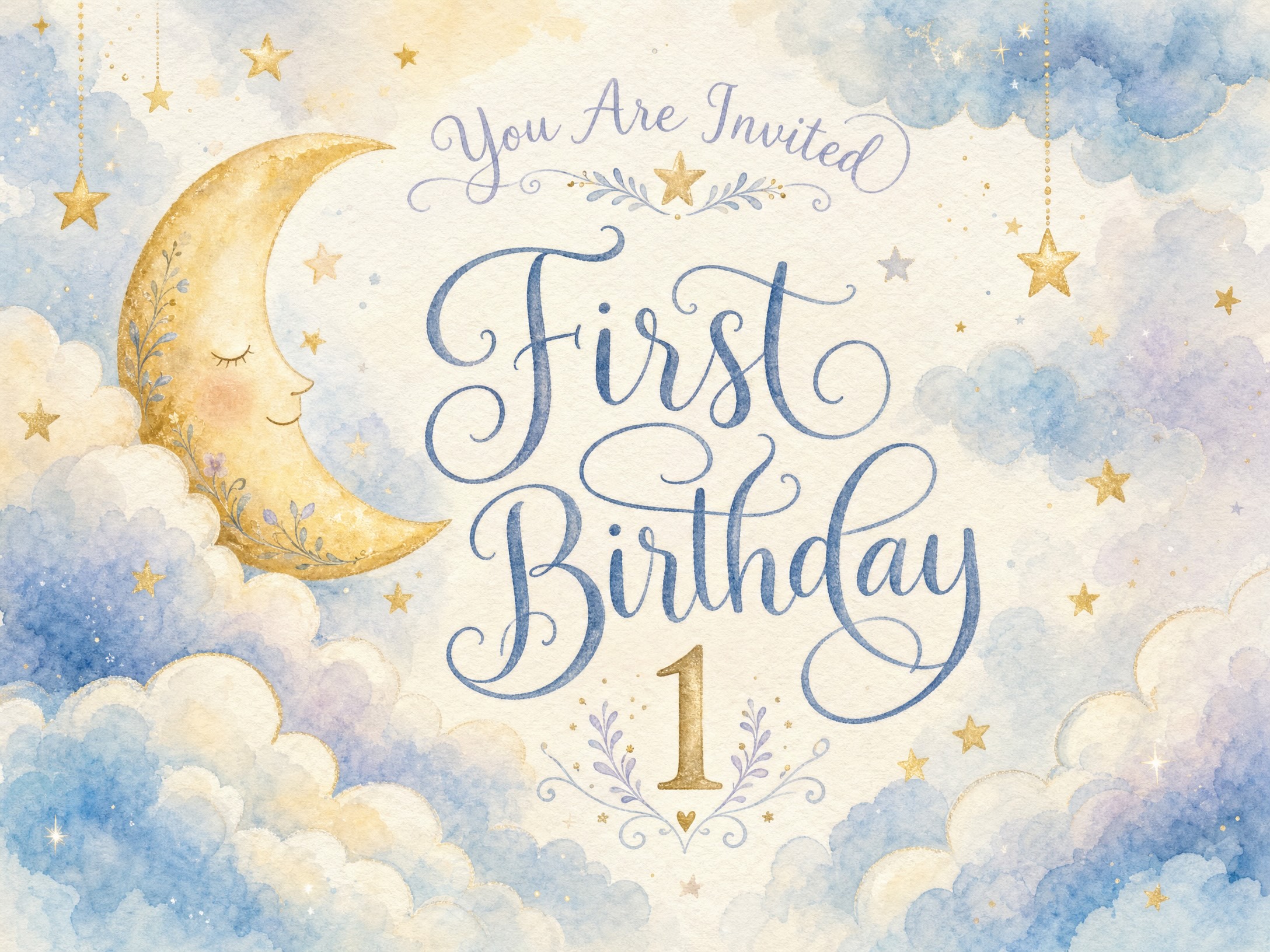
The description does not need to contain the event name, date, and address when those details are already entered in the appropriate fields. Use the description primarily to communicate the creative direction.
AI Made Specifically for Invitations
Artificial intelligence can create images, but not every AI image is suitable for an invitation.
General-purpose image generators may produce attractive pictures that are difficult to use as functional designs. The composition may be too crowded. Important areas may lack space for event information. Decorative elements may compete with the text. The image might look impressive at first glance but fail at its actual purpose: communicating clearly with guests.
This is where a specialized invitation generator matters.
The Rizz Invites Invitation Maker was introduced in 2026 and developed specifically around invitation creation. Rather than treating the invitation as a random AI image, the experience is focused on producing a polished card that can be used for a real event.
Some artificial intelligence still produces what people dismiss as “AI slop”: generic imagery, awkward compositions, visual clutter, and designs that feel immediately machine-made. Rizz Invites has concentrated on refining AI for invitation generation so the finished results feel deliberate, celebratory, and ready to share.
The goal is not to show off the AI. The goal is to make a beautiful birthday invitation.
That distinction is important.
Guests do not need to know which model created the artwork or how many technical steps happened behind the scenes. They simply receive an invitation that feels appropriate for the person and the celebration.
Create Something More Personal Than a Template
Templates can be useful, but they come with an unavoidable limitation: someone else chose the design before knowing anything about your event.
An AI-generated birthday invitation can begin with the actual person being celebrated.
A child obsessed with sharks does not have to choose between a generic ocean template and a generic animal template. You can ask for a glowing deep-sea shark adventure invitation with submarines and hidden treasure.
A friend who loves 1980s music does not have to settle for a standard “retro” card. You can request neon grids, cassette tapes, mirrored sunglasses, and the feeling of an old-school dance club.
A grandmother celebrating her 80th birthday can have an invitation inspired by her favorite flowers, colors, decade, travel destination, or family tradition.
The invitation becomes more than event information. It becomes the first expression of the party itself.
Why Spend an Hour on Something That Can Take Three Minutes?
Birthday planning already comes with enough decisions.
You may be coordinating the location, food, decorations, entertainment, gifts, cake, guest list, transportation, and schedule. Creating the invitation should not become another complicated project.
Rizz Invites removes the most tedious part of digital invitation design. You provide the idea. The Invitation Maker turns that idea into a finished visual. Once it is generated, the invitation is ready to use right away.
No clunky editor.
No design experience required.
No afternoon lost to adjusting text boxes.
In approximately two to three minutes, you can create a birthday invitation that feels personal, looks polished, and gives guests their first glimpse of the celebration ahead.
That is how creating birthday invitations should work in 2026.
Also Read About: AI Is Killing Invitation Templates: 1 In 4 Hosts Have Gone Custom With AI